Staff and pay

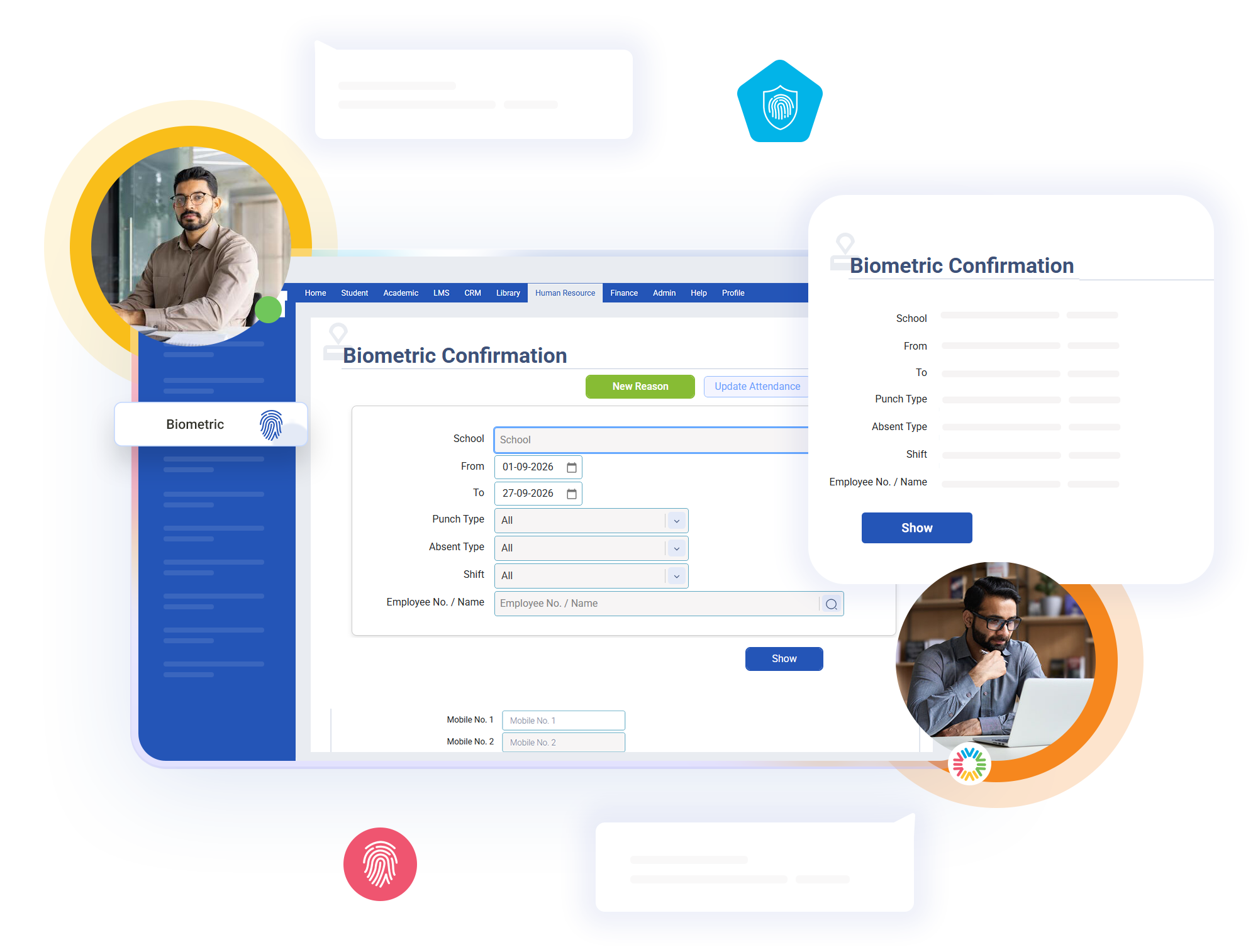
Biometric Attendance

Every time an employee marks attendance using the biometric device, the system records the punch and checks it against the employee’s assigned shift timings. It automatically matches entry and exit punches, calculates the total working hours, and determines the employee’s attendance status. This reduces the need for HR staff to check each employee’s attendance manually.

Key Features of bloombyte ERP

Automated Biometric Attendance Processing in ERP

Even if an employee records only one biometric punch during the day, the system still recognizes the attendance and marks the employee as present. However, it cannot calculate the total working hours accurately from a single punch. When multiple punches are recorded, the system groups them into work sessions, such as morning and afternoon sessions, and excludes the break time between sessions from the total working hours.
The system considers more than just whether an employee is present or absent. It identifies different attendance situations, such as arriving on time within the allowed grace period, arriving very late, leaving early, working within approved permission hours, and completing only part of the required working hours. The final attendance status is determined by the employee’s punch timings and the applicable attendance rules.
The same attendance rules are applied consistently to every employee. If two employees have the same punch timings and shift conditions, they will receive the same attendance result. This reduces manual errors and differences in judgment between departments, ensuring a fair and consistent attendance process throughout the institution.

Start Today our ERP

Ready to Revolutionize Your Educational Institution?