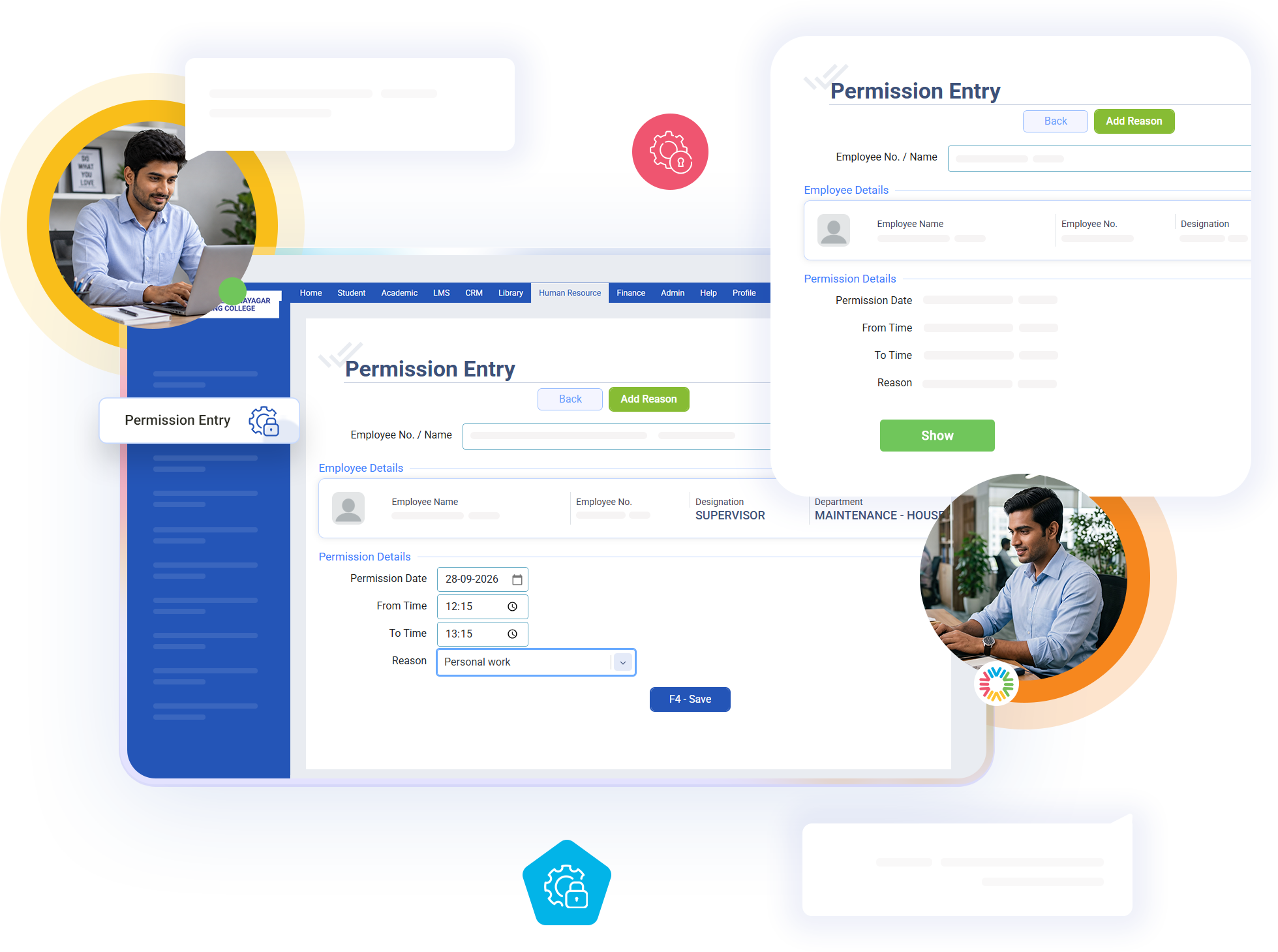
Permission Management
HR allocates a monthly permission balance to each employee manually rather than the system auto-generating one, giving your institution direct control over exactly how much short-leave flexibility each role or individual is granted, instead of applying one blanket allowance uniformly across every employee regardless of position or department.
Key Features of bloombyte ERP
Permission (Short Leave) Management in ERP
When an employee applies for permission, the system validates that their remaining balance actually covers the request, checks there isn’t already a permission recorded for that same date, and confirms no approved leave already exists for that day, preventing an employee from double-booking the same date across two different attendance mechanisms.
Approving a permission deducts it from the employee’s balance and marks their attendance record as verified, distinguishing a legitimate, pre-cleared late arrival or early exit from an unexplained irregularity. That verification flag is what later attendance processing checks to apply the permission-buffer treatment instead of flagging the day as a problem.
Cancelling a permission refunds the balance it consumed, keeping the employee’s remaining allowance accurate rather than permanently lost the moment a plan changes. Because permission and leave share overlap checks with each other, an employee can never end up simultaneously covered by an approved leave and a verified permission for the same date.