Staff and pay

Weekly Working-Day

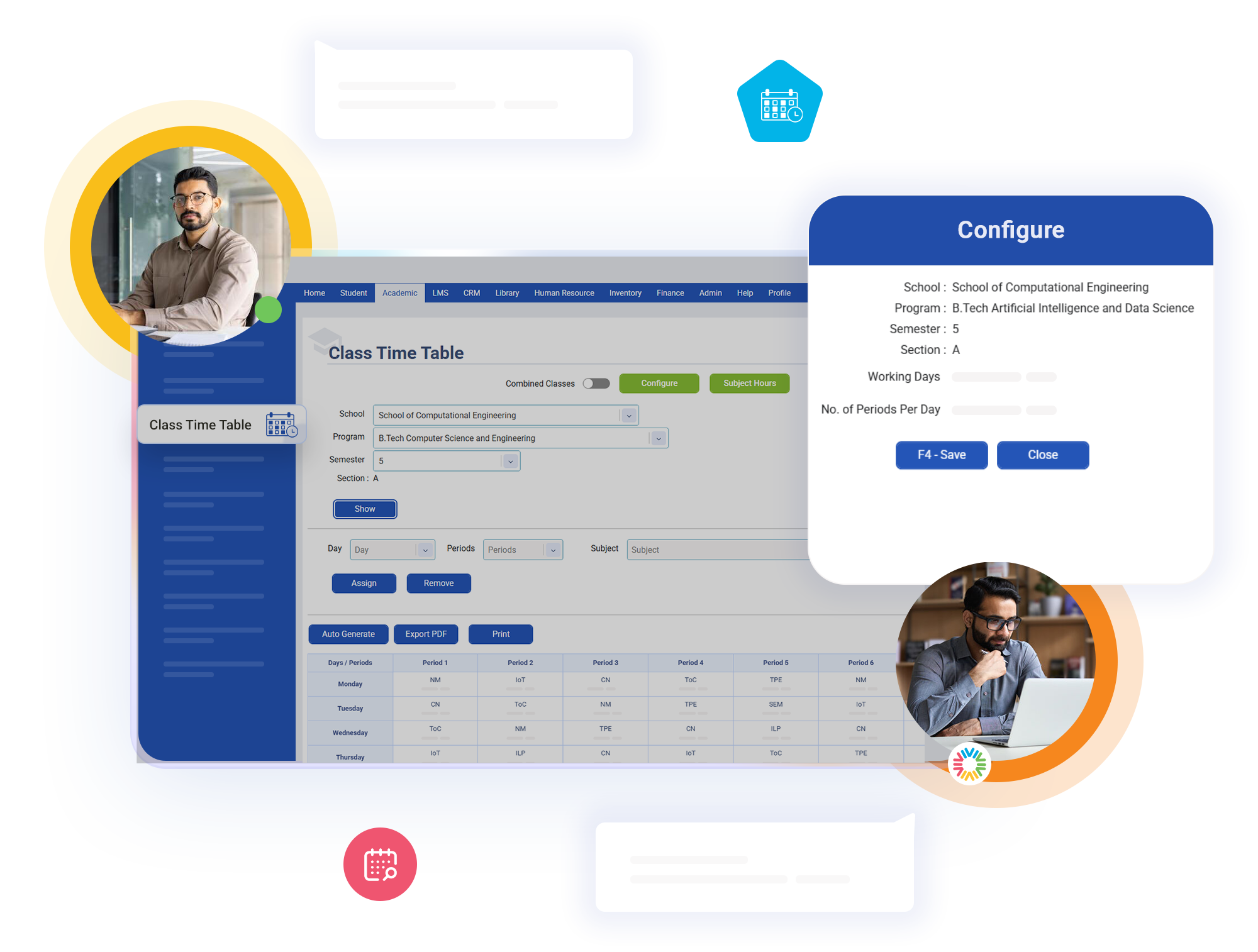
Every class’s timetable requirement is built from two independent settings your institution controls directly: how many periods run on each day of the week, Monday through Sunday, and how many total periods make up a single day for that class. Multiply the two together and you get exactly how many periods that class needs.

Key Features of bloombyte ERP

Configurable Weekly Working-Day & Period Structure in ERP

Because working days are configured day by day rather than as one flat weekly number, a class that runs six days a week and one that runs five, or one with a lighter Saturday schedule, are each measured against their own real weekly pattern instead of a single assumption applied uniformly to every class.
The periods-per-day figure is equally configurable per class, so a lower-semester class with a shorter academic day and a senior class with a longer one are each held to the schedule length that actually applies to them, rather than every class in the college being expected to fill an identical number of periods.
Because the required period count is derived entirely from configuration your institution has already entered rather than a hardcoded assumption, changing a class’s working-day pattern or daily period count automatically updates what counts as a complete timetable for it, with no separate setting to remember to update elsewhere.

Start Today our ERP

Ready to Revolutionize Your Educational Institution?