Staff and pay

Feedback Submission

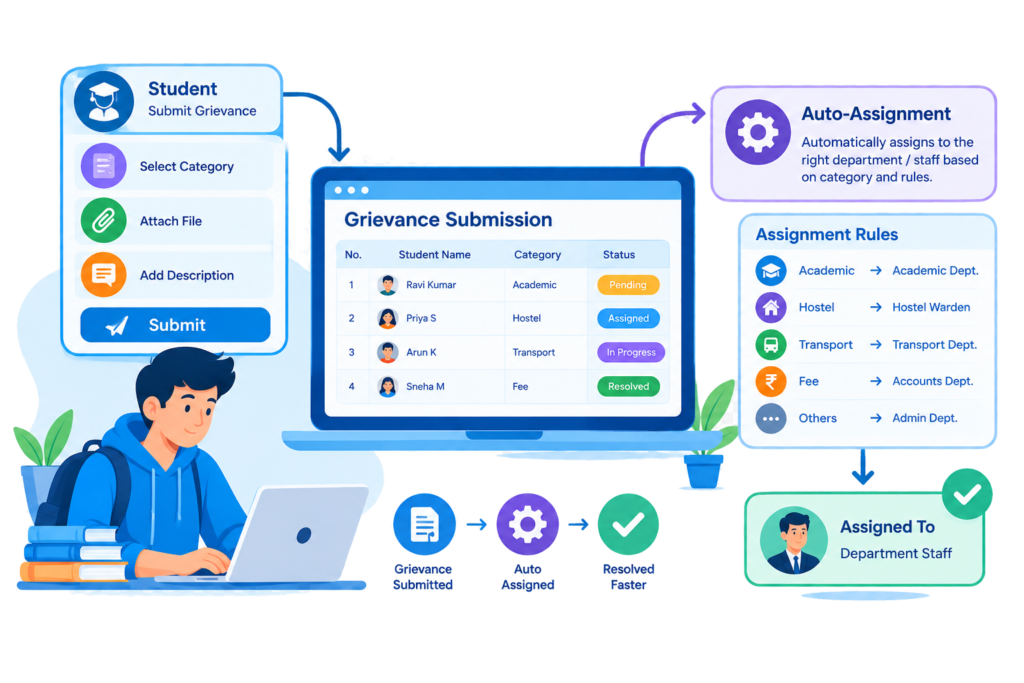
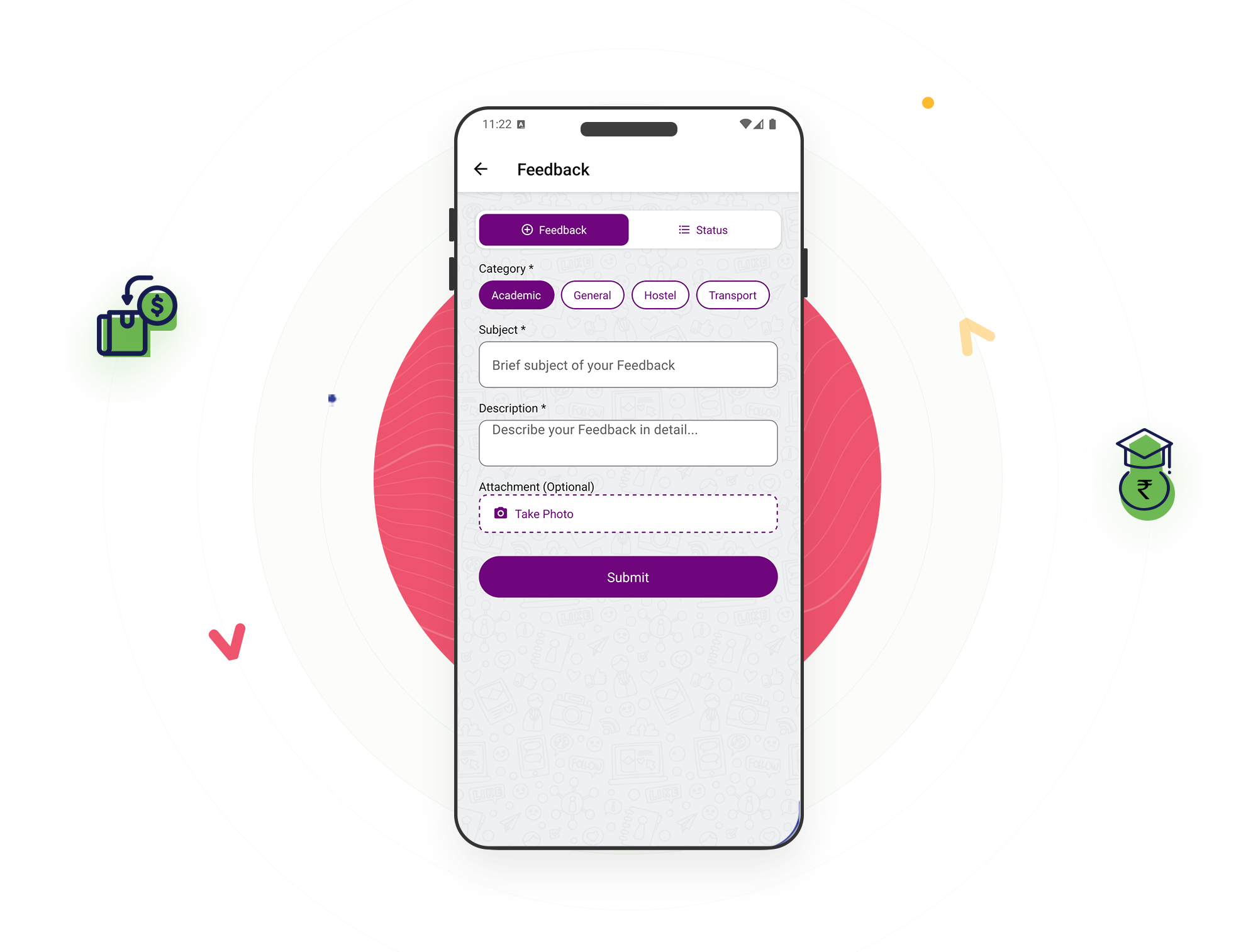
Students can submit feedback directly through the app by selecting a category, such as Academic or Administrative, choosing a priority level, and describing their concern. They do not need to know which staff member to contact. Once submitted, the system handles the assignment based on the institution’s settings.

Key Features of bloombyte ERP

Student Feedback Submission & Auto-Assignment in ERP

When a student submits feedback, the system automatically assigns it to the staff member responsible for that category at the respective college, following the configured assignment priority. If no responsible staff member has been assigned to that category, the feedback is still saved and remains unassigned until someone is designated to handle it.
Before accepting new feedback, the system checks whether the same student has already submitted feedback with the same title, description, category, and status. This helps prevent duplicate entries caused by repeated clicks or resubmitting the same concern, keeping the feedback list organized.
Students can mark their feedback with a priority level when submitting it. This helps staff identify urgent or important concerns more easily and decide which issues need attention first, instead of treating every feedback item as equally important.

Start Today our ERP

Ready to Revolutionize Your Educational Institution?