Real-Time Timetable
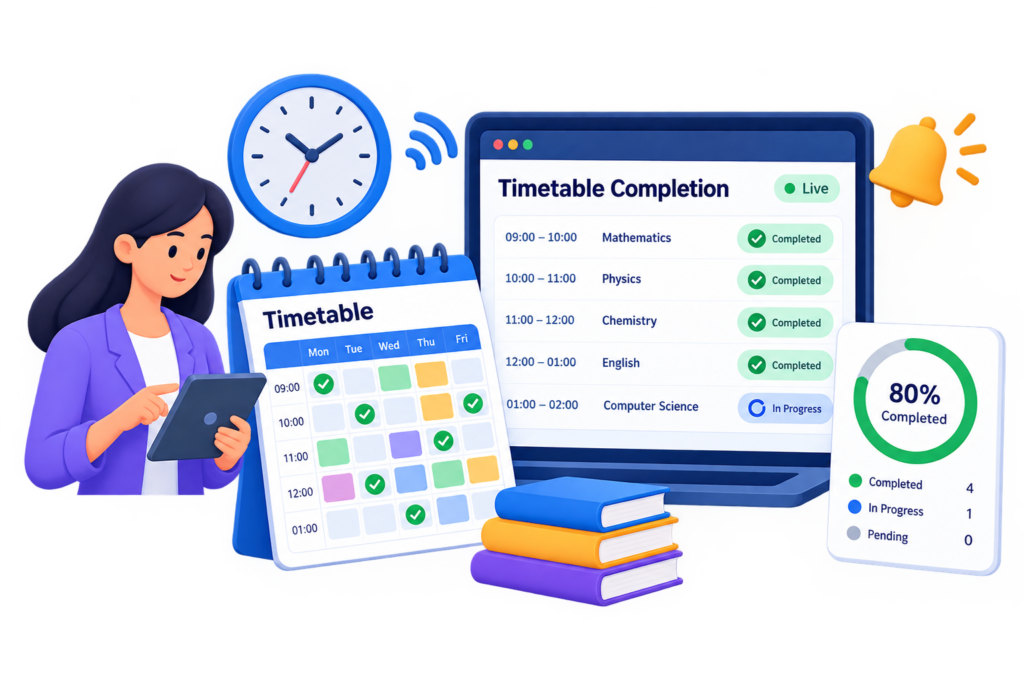
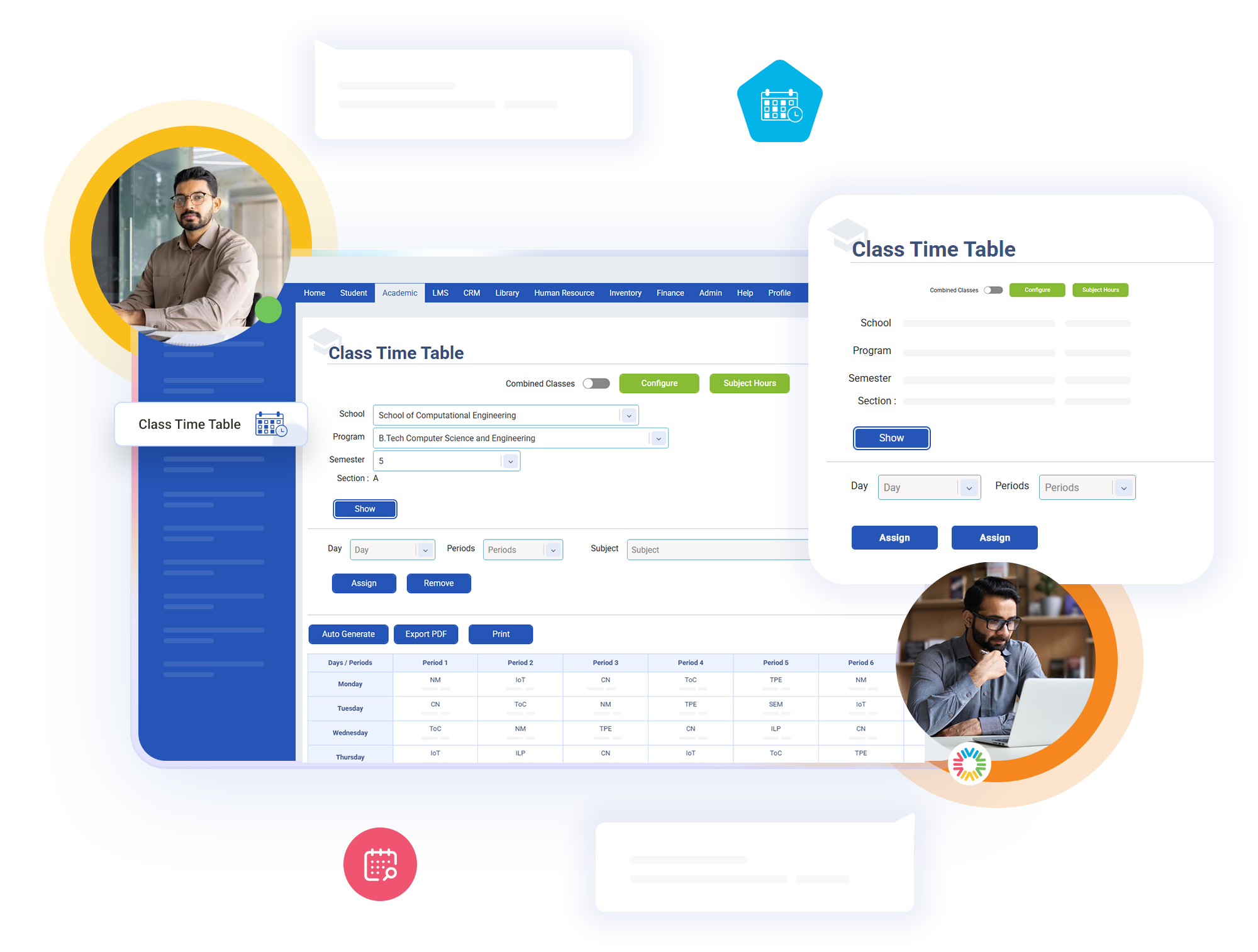
The system doesn’t just check whether a timetable has been created for a class. It also makes sure the timetable is complete. For every class and semester with students, it checks whether all the required periods have been scheduled. If any periods are missing, it identifies the incomplete timetable immediately.
Key Features of bloombyte ERP
Real-Time Timetable Completion Tracking in ERP
The system checks each class based on its actual number of students and timetable requirements. Smaller classes with fewer periods are checked according to their own needs, rather than using the same requirements for every class. This ensures that each class and semester has the right timetable in place.
A class will remain on the pending list until all its required periods have been added and activated. Even if most of the timetable is completed, any missing periods will keep it marked as incomplete. This ensures that a partially completed timetable is never mistaken for a fully prepared one.
The system checks every class and semester separately across the college. If one class has an incomplete timetable, it will still be flagged as pending, even if all other classes are ready. This helps identify delays in individual classes without overlooking them because other classes are already complete.