Staff and pay

Smart Shift & Duty Roster

Every employee can be assigned a shift with its own start time, end time, and grace period, and that timing can even change day by day, a Sunday shift and a weekday shift for the same employee don’t have to look identical. Shift definitions live independently of any one person, so the same shift can serve an entire department.

Key Features of bloombyte ERP

Shift & Duty Roster Management in ERP

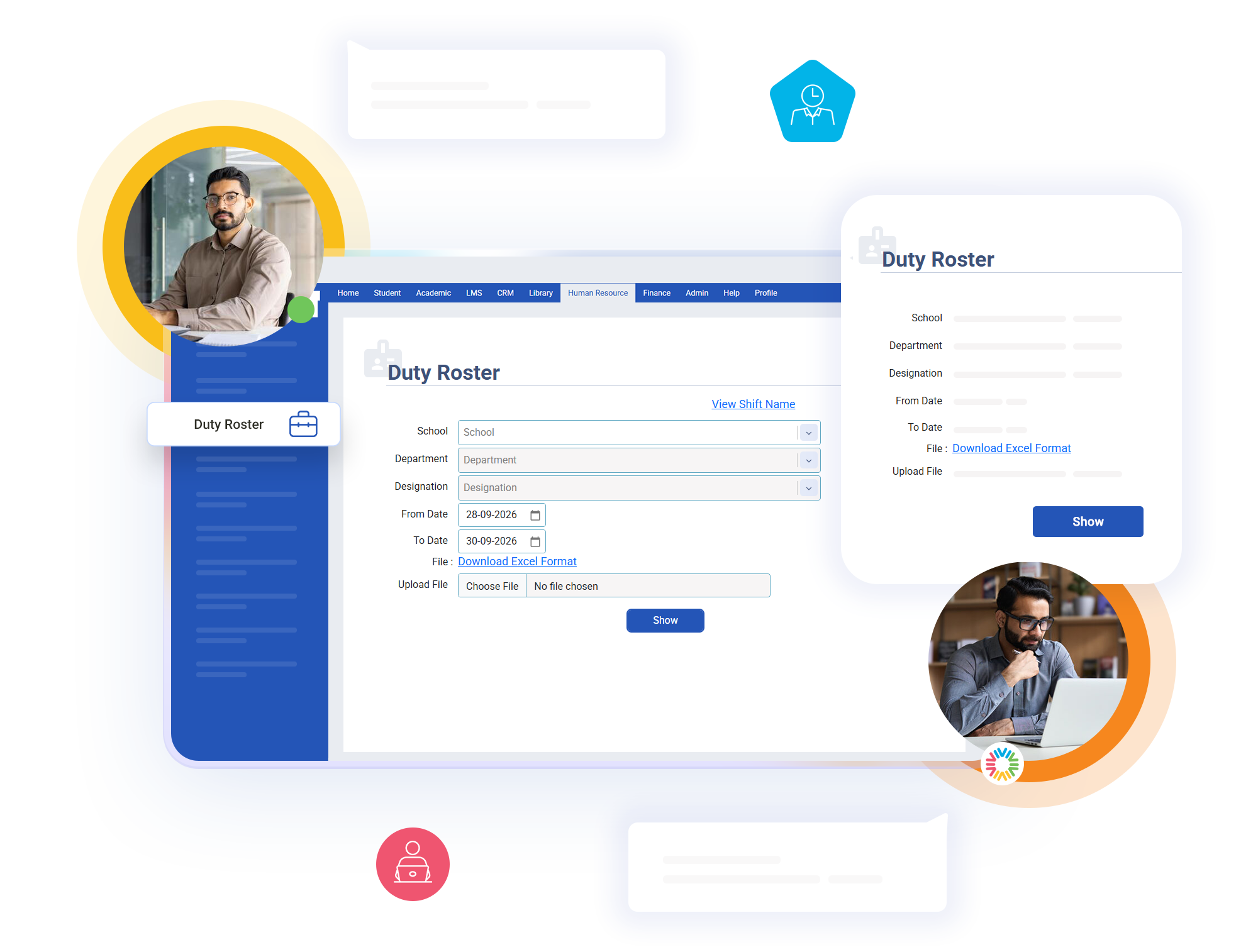
A duty roster lets you override an employee’s default shift for a specific date whenever operational needs change: a temporary night assignment, a filled-in shift for a colleague on leave, or a marked week-off with no shift at all. The system checks the roster first and only falls back to the default shift when nothing was scheduled.
When no roster entry exists for a date, attendance processing automatically falls back to the employee’s assigned default shift, so nobody is left without a timing reference just because a specific day wasn’t manually scheduled. This priority logic runs the same way every single day without anyone needing to remember which rule applies.
Because shift timings, roster overrides, and week-offs are all captured in structured tables rather than manual notes, attendance, permission, and payroll calculations downstream all read from the same consistent source. A change made once in shift configuration reflects correctly everywhere it matters, from daily attendance marking to monthly salary processing.

Start Today our ERP

Ready to Revolutionize Your Educational Institution?