Staff and pay

Leave Management System

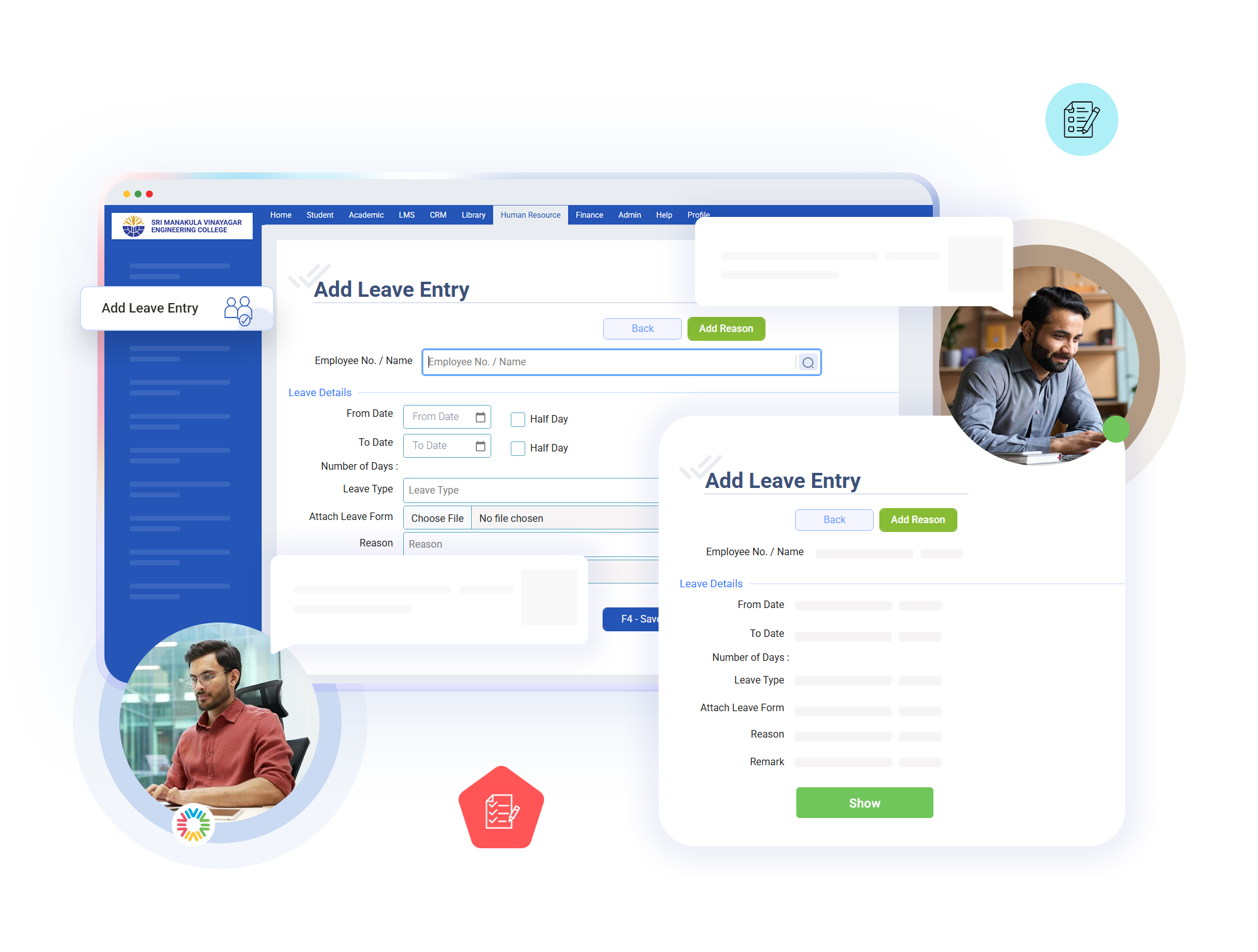
When an employee applies for leave, they must select the leave type and the dates they want to take off. Before saving the request, the system checks whether leave has already been requested for the same dates. For all leave types except Loss of Pay (LOP), it also checks whether the employee has enough leave balance available. If duplicate dates are found or the available balance is insufficient, the request is rejected before it is saved.

Key Features of bloombyte ERP

Leave Management System in ERP

When a leave request is approved, the system deducts the applicable leave days from the employee’s balance, records the approval date, and links the leave to the employee’s attendance record. It also automatically cancels any permission that overlaps with the approved leave date. This prevents an employee from having both approved leave and an approved short-duration permission for the same day.
The system calculates half-day leave accurately instead of counting every leave request as a full day. For example, taking leave for one afternoon counts as 0.5 days. If a leave request starts in the afternoon and ends the following morning or spans multiple days, the system correctly calculates the total by adding the applicable half-days and full days.
If an approved leave is cancelled, the system returns the deducted leave days to the employee’s available balance and removes the associated attendance entry. However, it does not refund leave types such as weekly offs, festival holidays, and Loss of Pay, because these were not deducted from the leave balance in the first place. Every cancellation is recorded in a separate history log, allowing the institution to track previous leave approvals and cancellations whenever needed.


Start Today our ERP

Ready to Revolutionize Your Educational Institution?